QR codes have become an integral part of modern digital interaction, appearing on everything from restaurant menus to massive highway billboards. If you are not familiar with the basics yet, check out this guide on What is a QR code to understand the fundamentals before diving into technical specifications.
However, a common frustration for users is pointing their camera at a code only to find it won’t scan. Often, the culprit isn’t the phone—it’s the relationship between the code’s physical size and the scanning distance. If you are designing marketing materials or packaging, understanding the mathematics of scanning distance is crucial for user experience.
The Golden Rule of QR Codes: The 10:1 Ratio
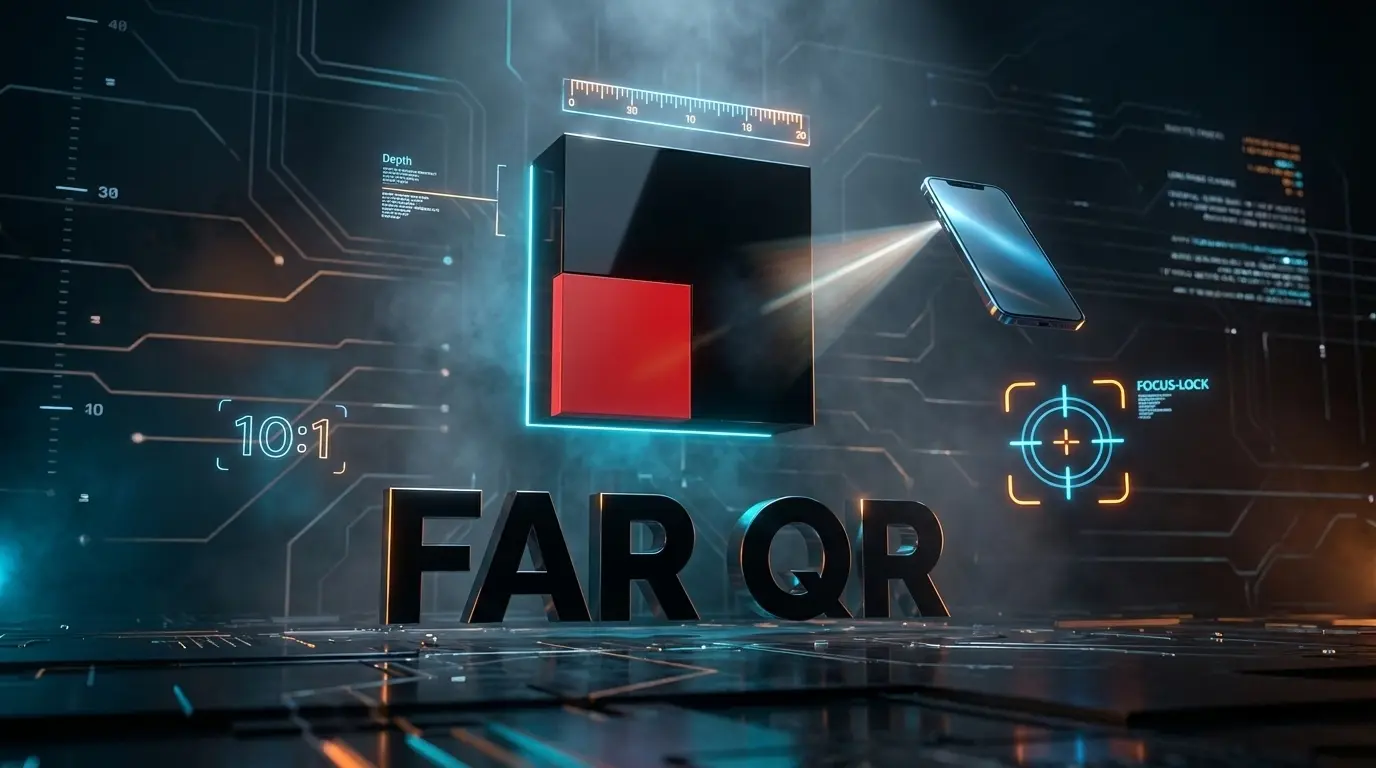
When determining how large your QR code needs to be, industry experts rely on a simple formula known as the 10:1 Rule.
The distance between the camera and the QR code should be approximately ten times the width of the QR code.
In simpler terms, if you want a user to scan your code from 10 inches away, the code needs to be at least 1 inch wide. This ratio ensures that the optical sensors in mobile devices can distinguish the data modules (the black squares) from the background.  Real-World Sizing Guidelines Based on the 10:1 rule, here is a breakdown of optimal sizes for different environments:
- Close Range (Business Cards & Packaging): For items held in the hand, the scanning distance is usually around 20cm (8 inches). Therefore, the QR code should be at least 2cm x 2cm (0.8” x 0.8”). Anything smaller may require the user to struggle with their camera’s macro focus.
- Medium Range (Posters & Retail Signage): When a user walks up to a wall poster, they typically stand about 1 meter (3.3 feet) away. To facilitate a quick scan, your QR code needs to be approximately 10cm x 10cm (4” x 4”).
- Long Range (Billboards & Banners): For high-impact advertising viewed from a distance of 10 meters (33 feet), the code must be massive—roughly 1 meter x 1 meter.
Why Scan Distance Fails: Key Factors
Even if you get the size right, other variables can ruin the scanning experience. Before you print, consider these technical factors. 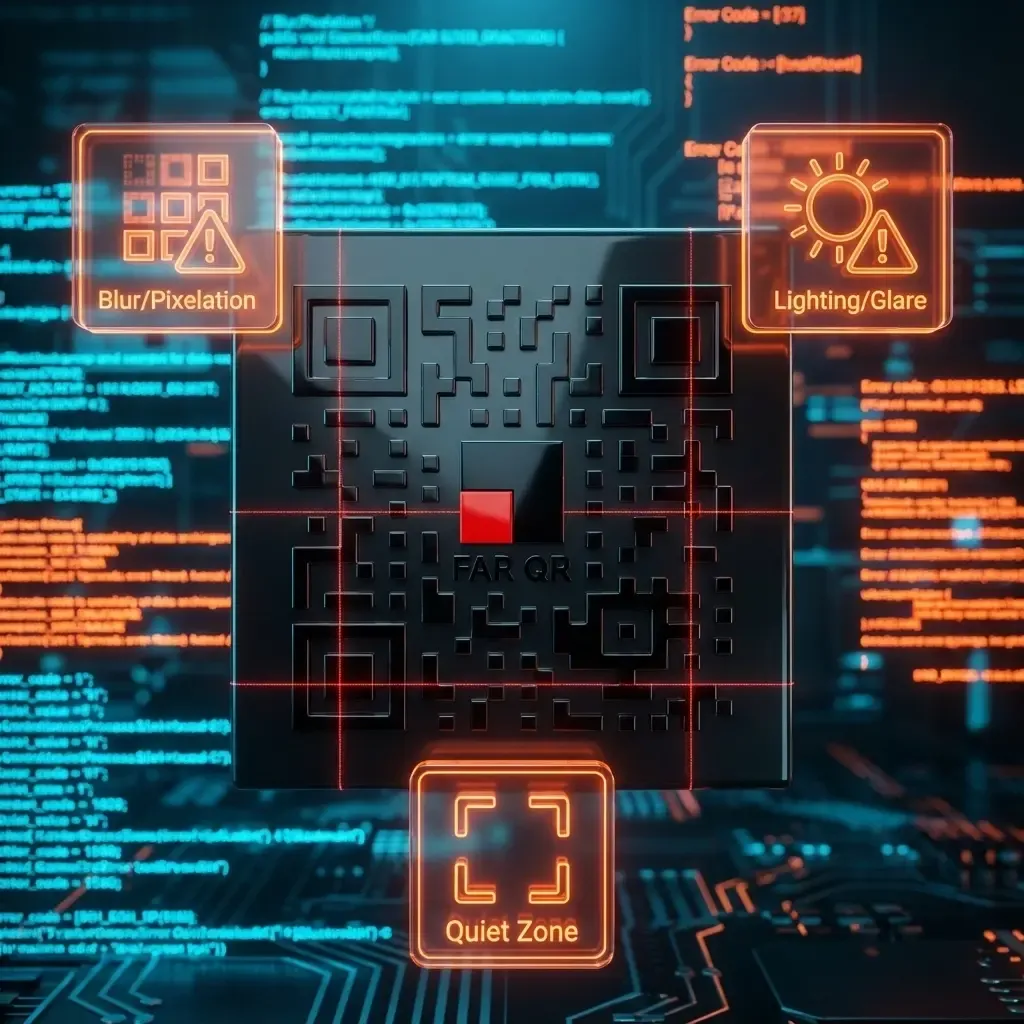
1. Resolution and Quality
A blurry or pixelated code is unreadable, regardless of size. Ensure your QR code is generated as a vector file (SVG or EPS) or a high-resolution PNG to maintain crisp edges.
2. The Importance of the “Quiet Zone”
Every QR code requires a margin of white space around it. This is not just an aesthetic choice; it is a technical requirement. This border allows the scanner to calibrate and recognize where the code starts and ends. Without this “Quiet Zone,” the camera cannot isolate the code from the surrounding artwork.
3. Lighting and Angles
Shadows, glare, and extreme angles can distort the pattern. Lighting: Avoid placing codes on reflective surfaces (like laminated paper or glass) where overhead lights create glare. Angle: Place the code at eye level whenever possible. If a code is too high up, the skew caused by the camera angle might make it unreadable.
Conclusion
To ensure your marketing campaign is successful, always test your QR codes in the environment where they will be used. Print a sample, tape it to the wall, and step back. If your phone struggles to lock on instantly, apply the 10:1 rule and increase the size. By optimizing for distance, you ensure that the bridge between your physical product and digital content is seamless.