
Digitize your interactions with FAR QR

FAR QR Overview
Philosophy: Practical, Aesthetic, and Accessible Solutions.

FAR QR Services

Choose the right tool for you

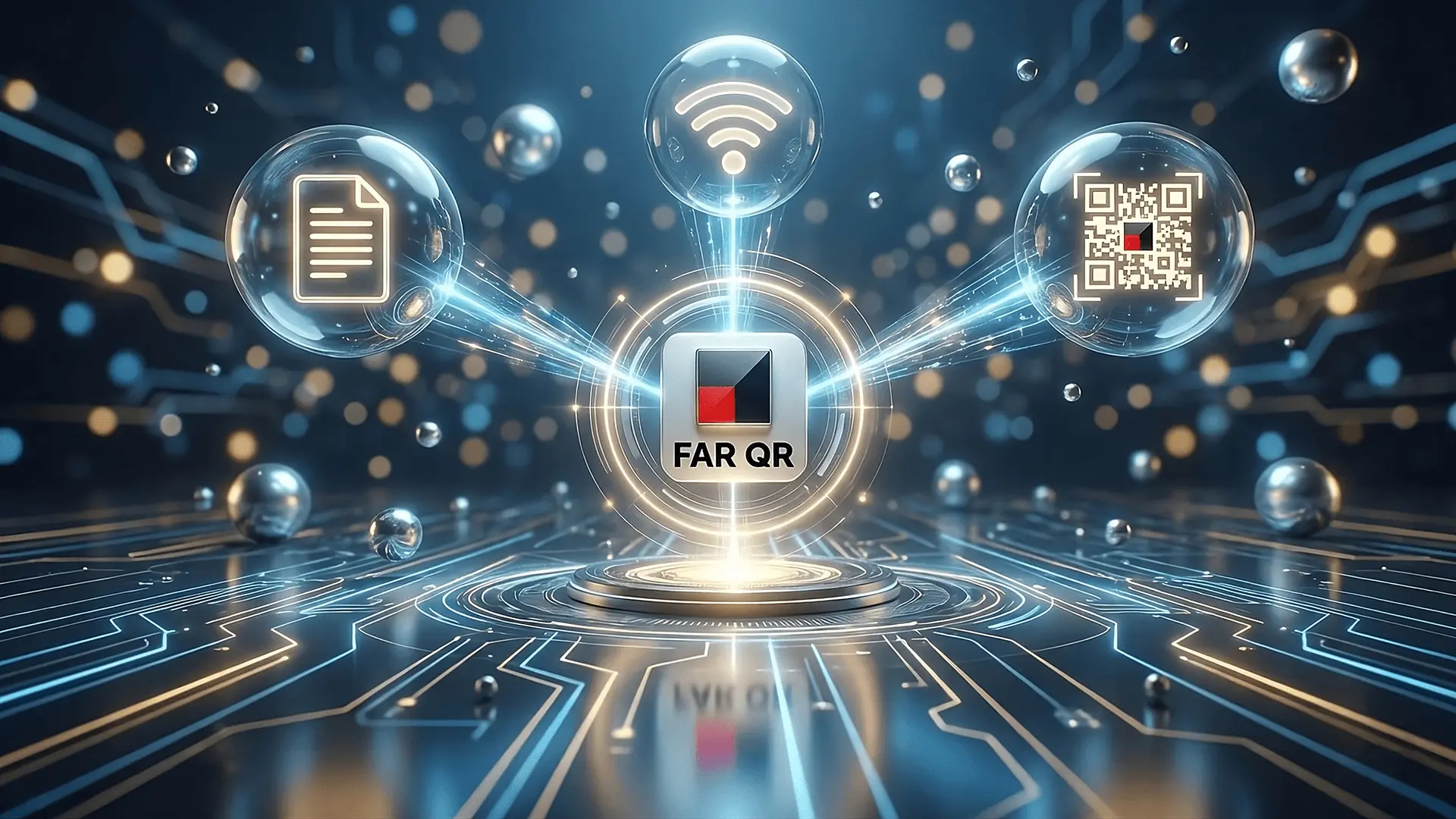
FAR QR offers different workflows depending on specific needs.

Digital Menu & Pricelists

For owners. Request an account to access the dashboard. Manage items and prices easily. Visitors scan to view.

WiFi QR

Simply provide your WiFi Name and Password to receive a convenient QR code. Your customers can scan to connect instantly—no typing required.

Branded QR

Simply select an optional template, upload your logo, enter your link, and complete the order.

Subscription Service

Digital Menu & Pricelist Management

For F&B, Retail & Services

Manage your offerings professionally.

Dashboard Access

Sign up for a trial account to access the FAR QR content management system.

Quick & Easy Updates

Edit prices or hide items easily. Changes typically appear to visitors within a few minutes.

How to get started

Fill out the "Request Trial" form below. The account will be set up, and login details sent directly to you.

WiFi QR

Simplify the experience for your visitors.

Simple & Easy

Just type your WiFi name and password.

Convenient

Print it and stick it on your wall. Guests connect without asking for the password.

Branded QR

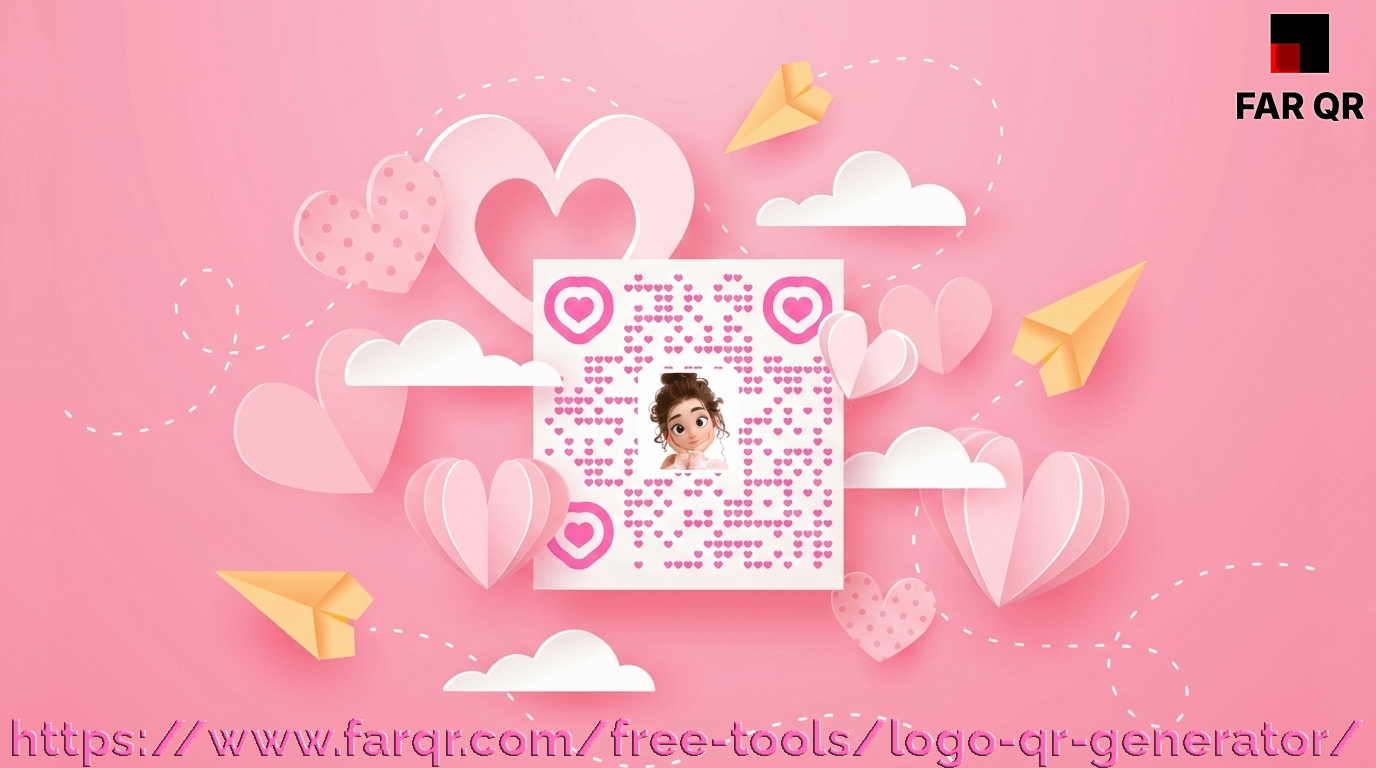
Stand out with a personalized design for your Brand or Profile.

Order Process

Select an optional template, submit your Target URL, upload your Logo/Image, and provide your Email address.

Pre-payment Required

Complete the payment securely. The system processes the request immediately upon confirmation.

Delivered via Email

Receive your stunning, personalized QR code directly in your inbox.

Workflows Overview

Simple steps to get started.

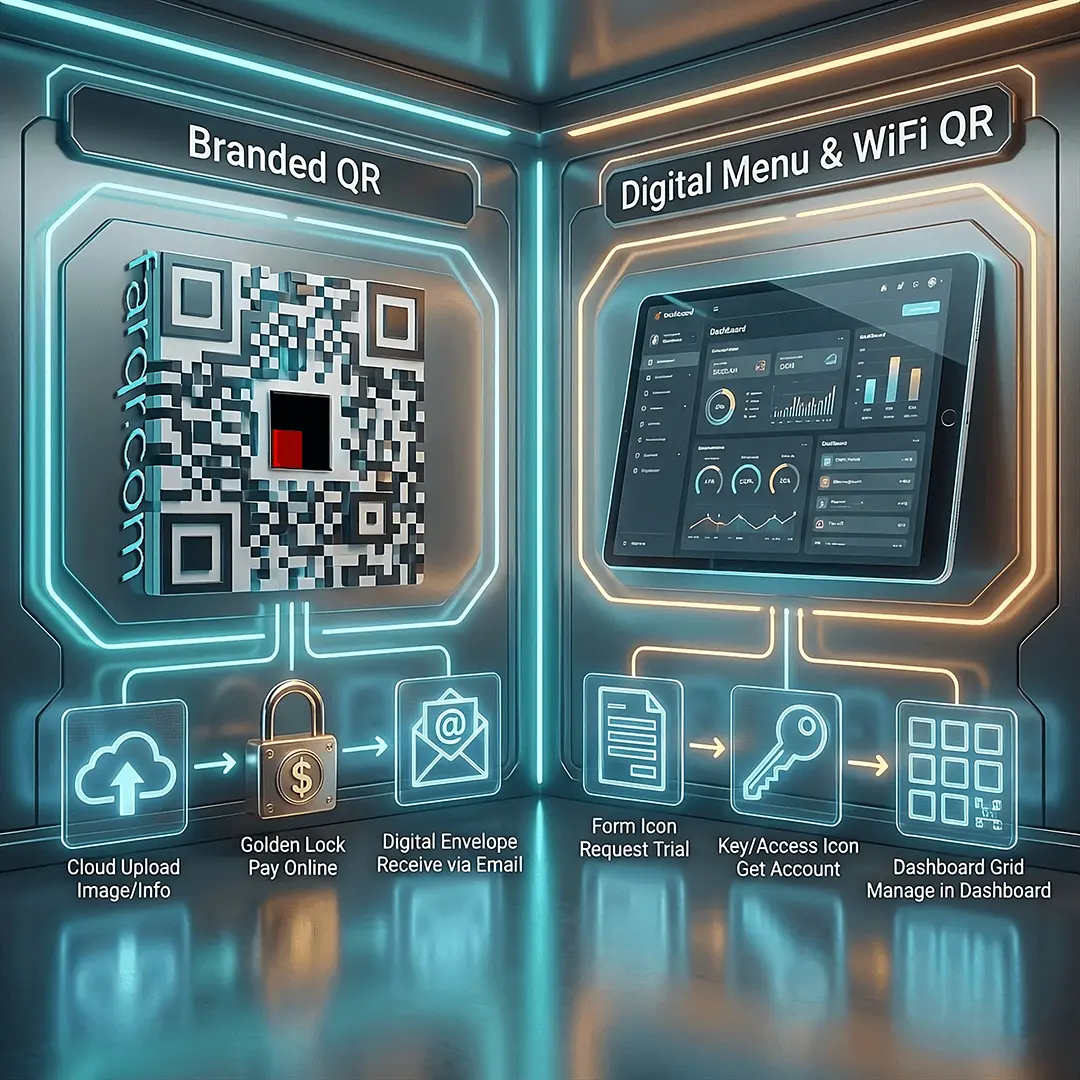
For Branded QR

Select Optional Template -> Upload Image & Link -> Pay Online -> Receive Result via Email

For Digital Menu & WiFi QR

Request Trial (Form below) -> Get Account -> Manage in Dashboard.

Find out more in the FAR QR Blog

View all posts »

Explore practical guides to maximize the potential of FAR QR tools. From optimizing Digital Menus to creating impactful Branded QRs, discover how to digitize interactions effectively.

What is a QR Code?

What is a QR Code?

Discover the history and mechanics of the QR Code. Invented in 1994 by Denso Wave, learn how this 2D barcode evolved from tracking auto parts to global mobile adoption.

FAQs

Frequently Asked Questions

Common queries answered.

How do I get a WiFi QR?

Select the 'For WiFi QR' option, enter your WiFi name and password, then submit. The QR code will be sent to your email.

How does the Artistic QR service work?

This is a paid service. Simply select an optional template, enter your target link, upload an image/logo, and complete payment. The design is processed and the result emailed to you.

What is the "Digital Menu"?

It is a management system. An account is required (trial available) to log in, add products/prices. FAR QR hosts the menu online and provides a dynamic QR code for customers to scan.

How long does it take for updates to appear?

To ensure quick loading speeds for visitors, FAR QR uses an optimized caching system. Changes are processed and become visible within a few minutes.

Ready to modernize your business?

Start with a 7-day free trial. Upgrade anytime and keep your remaining trial days!